Fabric in one sentence
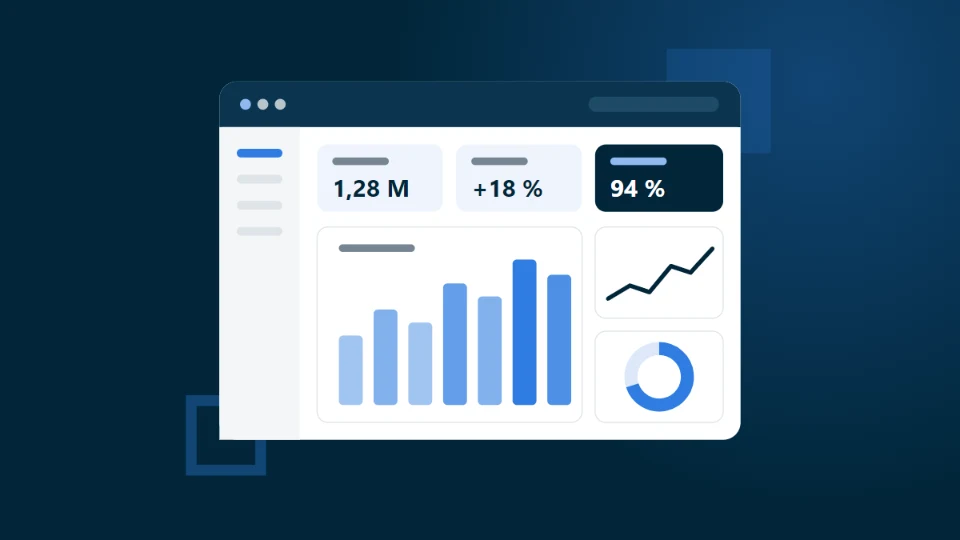
Microsoft Fabric is an analytics platform that brings data integration, storage, data warehousing, data science, real-time analytics and Power BI together in a single environment. It is delivered as software-as-a-service, so there are no servers to manage, and you pay for compute capacity shared by every workload in the platform.
Why Microsoft built Fabric
A modern data platform on Azure used to mean stitching together several services: Data Factory for integration, Data Lake for storage, Synapse or SQL for warehousing and Power BI for reporting. Each had its own administration, security model and billing, and data was copied between them.
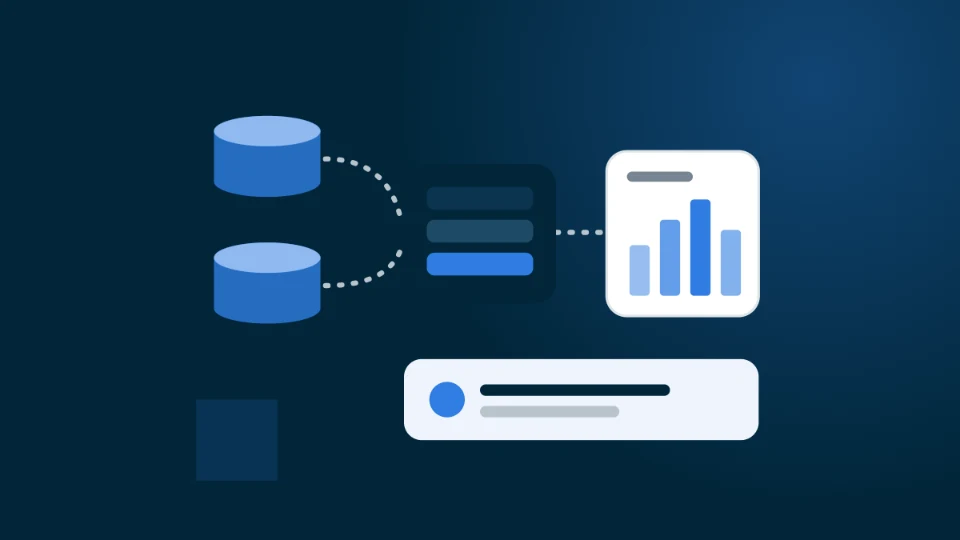
Fabric unifies these components on top of a single storage layer and a single governance model. The aim is less integration work and fewer copies of the same data.
The core building blocks
OneLake is a single, organisation-wide data lake — often described as "OneDrive for data". Data is stored in the open Delta Parquet format, so different engines can read it without conversion. Shortcuts let you reference data stored elsewhere, such as Azure Data Lake Storage or Amazon S3, without copying it.
Lakehouse combines the flexibility of a data lake with table-based access. It suits both raw and curated data and supports notebook-based work in Spark.
Warehouse is a data warehouse with full T-SQL support for teams used to relational databases.
Data Factory handles integration through pipelines and dataflows for loading and transforming data.
Power BI is built in. With Direct Lake mode, reports read data straight from OneLake without importing it and without the latency of DirectQuery.
Further workloads cover real-time analytics, data science and operational databases.
How licensing works
Fabric is billed by capacity, using F SKUs such as F2 or F64. A capacity is a pool of compute shared by all workloads in the workspaces assigned to it. It can be paused, scaled, and paid for on a pay-as-you-go basis or with a reservation. Larger capacities also allow Power BI content to be shared with users who do not have their own licence.
Power BI content creators still need a Pro or Premium Per User licence. Pricing and terms evolve, so always work from Microsoft's current price list — and use a trial capacity to test real workloads before you buy.
When Fabric makes sense
- You already use Power BI and are hitting limits: large models, slow refreshes or complex data preparation in Power Query.
- You are planning a data warehouse and want a modern platform without infrastructure management.
- Your data is scattered across systems and clouds and you want unified storage and governance.
- You want to combine BI with advanced analytics or data science on the same data.
When to wait or choose something else
- Your reporting is simple, built on one or two sources. Power BI Pro without Fabric may be sufficient and cheaper.
- You have a working data warehouse on another platform that meets your needs. Migration should deliver clear value, not just modernity.
- Nobody will own the platform. Fabric is SaaS, but data design, security and capacity management still require expertise.
Getting started
- Clarify the goal. What problem should Fabric solve?
- Start a trial capacity and test one concrete scenario on real data.
- Measure capacity consumption and use it to size your production capacity.
- Design the architecture — data layers, workspaces, security — before the platform grows organically.
Bottom line
Microsoft Fabric unifies data integration, storage, warehousing and Power BI in a single service on top of OneLake. It delivers the most value to organisations already invested in Power BI that need a more robust data layer, or to those building a new data warehouse. For simple reporting it can be more than you need.
If you are assessing whether Fabric is right for you, explore our Microsoft Fabric consulting — we help validate the value with a focused pilot scenario.